How to Make a Resume on Your Phone (That Doesn't Look Like It)
You can build a genuinely professional, ATS-safe resume entirely from your phone — if you stop fighting desktop tools on a six-inch screen. Here's the mobile-native way to do it.
Key takeaways
- Phone-made resumes fail when you fight a desktop word processor on a small screen — layout breaks, and typing long prose on glass is miserable.
- The mobile-native approach: talk instead of format. Describe your experience conversationally (or dictate it) and let AI turn it into bullet points.
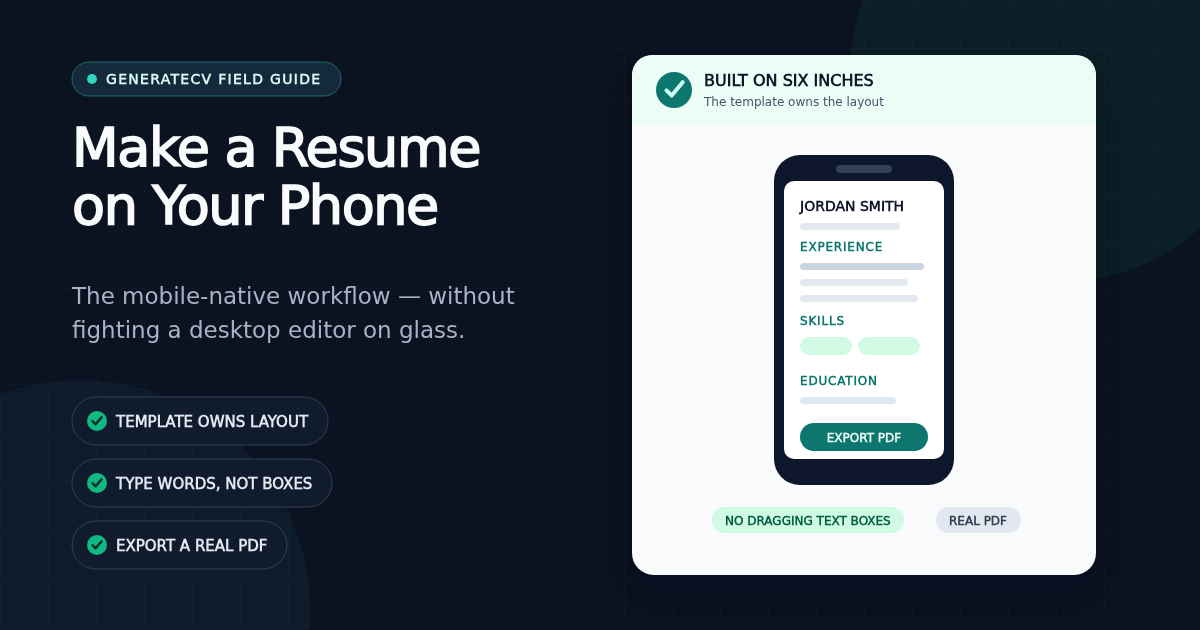
- Let the template own the layout — on a phone you should never be dragging text boxes or fixing margins.
- Proofread in two passes: zoomed in for typos, fit-to-screen for layout. Then export a real PDF, not a screenshot.
- The phone's real advantage is speed: tailor and send while the posting is fresh, from wherever you are.
Somewhere along the way, "make a resume" became a laptop task — like taxes, or anything else with formatting. But the person who needs a resume right now — after a layoff rumor, a chance conversation, a posting that closes Friday — is usually holding a phone, not sitting at a desk. The good news: you can build a genuinely professional, ATS-safe resume entirely from your phone. The catch: not by doing what most people do.
Why most phone-made resumes look phone-made
The usual failure isn't effort — it's tooling. People open a document editor designed for a 27-inch monitor, pinch and squint their way through a template, and produce something with drifting margins, a font that changed halfway through, and a second page containing one orphaned line. Word processors put you in charge of layout, and layout is exactly the job you can't do well on six inches of glass.
The second failure is prose. Thumb-typing a professional summary and twelve achievement bullets is slow enough that most people either give up or write three words per bullet. The result reads like it was texted — because it was.
Rule one: talk, don't format
The phone is a terrible typewriter and an excellent conversation device. So have a conversation. Describe your last job the way you'd tell a friend — "I ran the register at Target, trained the new hires, handled the returns nobody else wanted" — and let an AI turn that into structured, professionally worded bullet points. This is the single biggest unlock: the input becomes natural speech, which phones are great at, and the formatting becomes software's problem, which is where it belongs.
Rule two: the template owns the layout, not you
On a phone, any tool that lets you drag a text box is a tool that will eventually make you cry. Pick a builder where the template enforces structure — sections, spacing, and typography are decided by the design, and your only job is the words. This isn't a compromise; recruiters and applicant tracking systems both prefer the clean, conventional structure a locked template produces over a hand-arranged layout anyway. (If you're curious what the template is deciding on your behalf — sizes, margins, spacing — the actual numbers are in our resume typography guide.)
Rule three: preview it like a document, not a webpage
Before you send anything, look at the actual page — the A4 or Letter sheet a recruiter will open — not just a scrolling mobile view. Do two passes: zoom in and read every line for typos (glass keyboards breed them), then zoom out to fit the whole page on screen and check the shape of it. Does a section run long? Is the second page worth existing? The zoomed-out squint test catches what line-by-line reading misses.
Rule four: export a real PDF
Screenshots and shared links read as improvised. A properly exported PDF with a text layer — one where the recruiter can select and search the text — is what applicant tracking systems parse and what looks deliberate. Any builder worth using exports a real PDF straight from the phone; if yours makes you "open the desktop site" to download, that's the tool telling you it wasn't built for this.
The honest limitation
One thing a big screen still does better: the long, careful final proofread. If a laptop is available before you submit, give the PDF one read on it. If not, the two-pass phone review above is a solid substitute — zoomed in for words, fit-to-screen for shape. Don't let the absence of a laptop delay an application worth sending today.
Why the phone might actually be the better tool
Speed compounds in a job search. The applicant who tailors their resume to a posting the hour they find it — on the bus, at lunch, in the parking lot — consistently beats the applicant who waits until they're "at a real computer" this weekend. The phone isn't the budget option; it's the fast option. Used right, fast wins.
This is exactly the case we built GenerateCV around: the entire builder — the AI conversation, live page preview with pinch-zoom, template switching, PDF and DOCX export, even the free ATS check — works fully on your phone, free, with nothing to install. Use the ATS-friendly format checklist for the final file review. Build it from your couch. Send it before the posting cools off.
Check your resume free — no signup
See how your resume scores against real ATS filters in seconds.
Related Articles
The Resume Bullet Formula: 105 Weak-to-Strong Examples
Turn duty statements into specific resume bullets with a repeatable action, scope, result, and method formula, plus 105 worked examples across 35 roles.
Read articleResume Summary Examples That Survive the Skim
Write a specific professional summary with a target role, relevant scope, strongest proof, and fit, using 35 before-and-after examples across ten role families.
Read articleHow Long Should a Resume Be? One Page, Two Pages, or More
One page is the right default for most people early in a career; two pages are earned by roughly a decade of relevant work. What changed in 2026: federal resumes are now capped at two pages — and the internet is still full of advice telling you to write five.
Read article