No, an ATS Probably Didn't Auto-Reject Your Resume
The '75% of resumes are rejected by ATS' statistic traces back to a defunct vendor with no published methodology. Here's what applicant tracking systems actually do — and what actually gets resumes skipped.
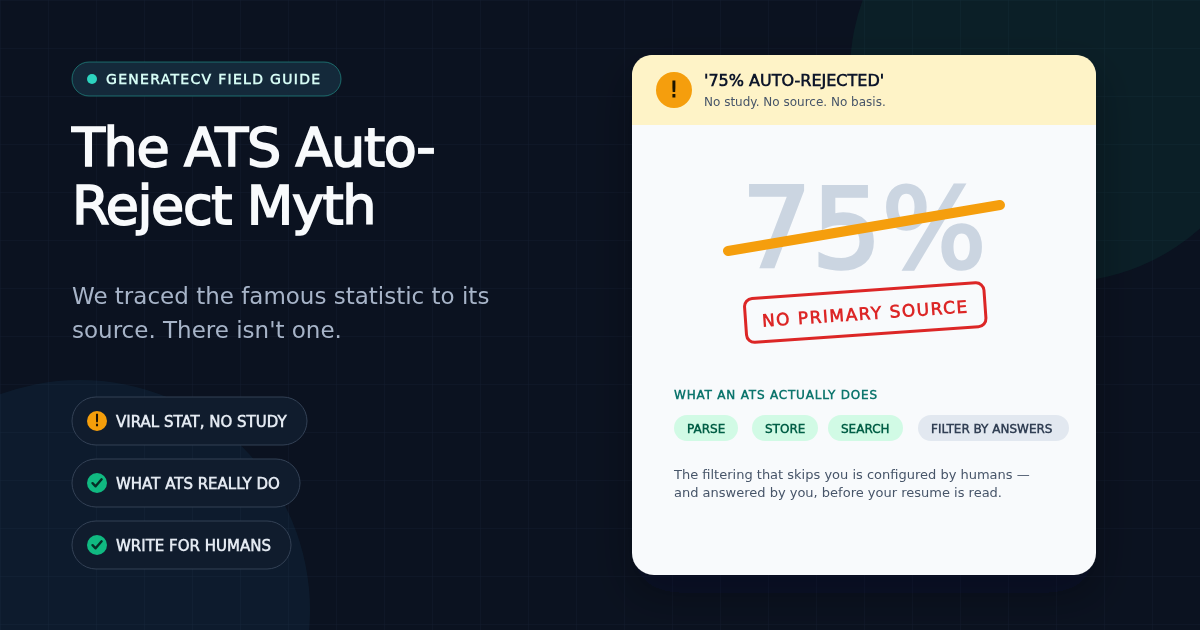
You've seen the statistic. It's on half the resume sites on the internet, usually right above a paywall: "75% of resumes are rejected by ATS before a human ever sees them."
We used to have a version of that line on this site too. We removed it, because when we tried to find where the number comes from, the trail dead-ends at a recruiting-services company called Preptel — which shut down years ago and never published a methodology. The most-cited statistic in the resume industry is, as far as anyone can verify, marketing copy from a company that no longer exists. Career-industry writers who have traced the claim reached the same conclusion.
What an ATS actually is
An applicant tracking system is closer to a filing cabinet with a search bar than a bouncer. When you apply, the system parses your resume into a database record: name, contact details, work history, skills. Recruiters then work through that database — filtering by keywords, searching for titles, skimming profiles.
Most mainstream systems do not silently delete applications for using the wrong font or a two-column layout. A human can almost always open the original file you uploaded. What the myth gets wrong isn't that ATS matter — they do — it's the mechanism. Your resume doesn't get rejected by a robot. It gets ignored by a search query.
The real failure mode: being unfindable
Picture a recruiter with 400 applicants for one role. They don't read 400 resumes. They search: "payroll", "Series 7", "Kubernetes" — whatever the role demands. If your resume parsed badly, or describes your experience in words the recruiter never searches for, you're on page never. Nothing rejected you. Nothing will ever tell you that, either.
Two things drive almost all of that unfindability:
- Parse failures. Multi-column layouts read out of order, contact details hidden in headers or footers that parsers skip, decorative section headings the software can't map to "Experience" or "Skills", text stored as an image. The record in the database ends up scrambled or half-empty.
- Vocabulary mismatch. The job description says "managed paid media budgets"; your resume says "oversaw advertising spend." A human sees the same thing. A keyword search sees nothing.
Why you should distrust precise ATS scores — including ours
Here's something most checker tools won't tell you: the same resume scores wildly differently across real systems. One documented comparison found a 24-point spread for a single resume across Workday, Greenhouse, Lever, iCIMS and Taleo. There is no universal "ATS score", so any tool promising to predict your exact fate is overselling — and any tool claiming "95% accuracy" can't tell you 95% of what.
We run a free ATS checker ourselves, so this is us talking down our own product category: a score is a diagnostic, not a verdict. What a good checker can genuinely do is catch the two failure modes above — show you what a parser extracts from your file, and show you which of the job's keywords your resume never mentions. That's real, fixable information. The single number on top is just a summary of it.
What to actually do
For the full file, layout, section, and self-test workflow, use our ATS-friendly resume format checklist. The short version:
- Use standard section headings. "Experience", "Education", "Skills". Parsers map content by recognizing these. "Where I've Made an Impact" reads great to humans and like static to software.
- Keep contact details in the body text, not the document header or footer — several parsers skip those regions entirely.
- Mirror the job description's exact terms for skills you genuinely have. If they say "conversion rate optimization" and you did that work, use those words — not a synonym.
- Prefer a single-column layout for the version you upload to application portals. Save the designed version for humans you email directly.
- Check what the machine actually sees. Open your PDF, select all, copy, and paste into a plain text editor. If the result is scrambled, out of order, or missing your headings — that's roughly the record a parser builds. (Our free checker automates this and doesn't ask for your email.)
The honest summary
The fear is oversold; the mechanics are real. No robot is throwing away three-quarters of resumes. But a resume that parses cleanly and speaks the job description's language gets found, and one that doesn't gets silence. Optimize for being findable — not for beating a bouncer that was never standing at the door.
Run the free check — no signup
See exactly how your resume scores against real ATS filters — free, unlimited, and it stays in your browser.
Related Articles
How Our Free Resume Checker Calculates Its Score
The category weights, extracted-text checks and limitations behind GenerateCV's local resume report.
Read articleATS-Friendly Resume Format: A Practical Checklist and Template
An ATS-friendly resume is not a document stuffed with keywords or stripped of personality. It is a readable resume whose text extracts in the right order, uses recognizable sections, and proves the requirements of one real job.
Read articleWe Measured What ATS Parsers Actually See Inside Your PDF
We rendered PDFs at increasing heading letter-spacing and extracted their text layers. Past a measurable threshold, 'EXPERIENCE' becomes 'E X P E R I E N C E' — invisible to keyword search. Here's the data, and the 30-second way to test your own resume.
Read article